
Blade Directives: @if, @foreach, @include, and More
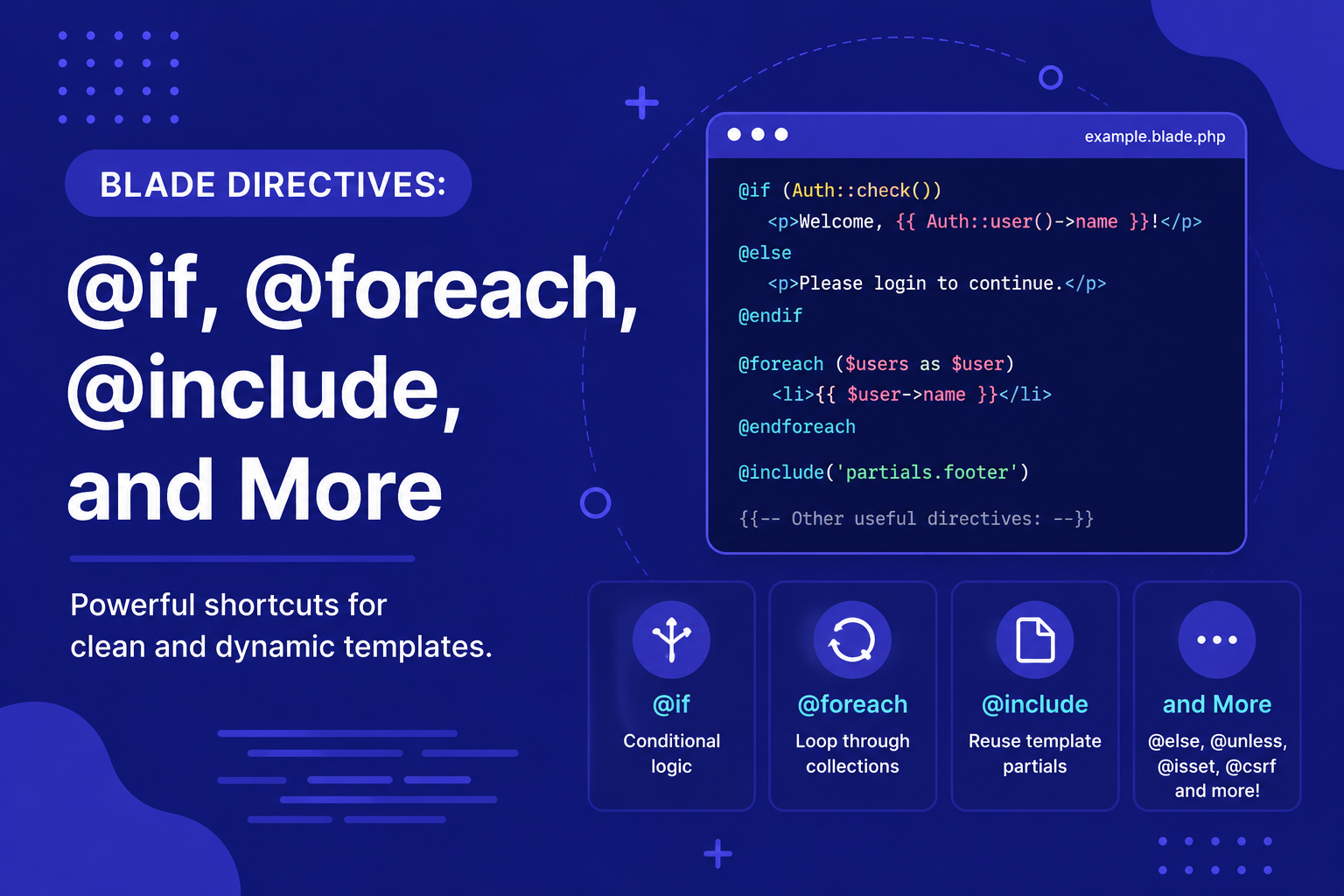
In this article, we'll walk through the most commonly used Blade directives you'll reach for constantly while building views.
212 views
Introduction
Views often need more than just displaying static data — they need to make decisions (show this if the user is logged in, hide that otherwise), repeat elements (loop through a list of posts), and reuse smaller pieces of markup across different pages. Writing this kind of logic with raw PHP tags in your Blade files works, but it quickly becomes cluttered and harder to read.
This is exactly the problem Blade directives solve. Directives are Blade's clean, expressive syntax for common control structures — conditionals, loops, includes, and more — that compile down into efficient plain PHP behind the scenes, without the visual noise of <?php ?> tags scattered throughout your HTML.
In this article, we'll walk through the most commonly used Blade directives you'll reach for constantly while building views.
Conditional Directives
@if, @elseif, @else
The most fundamental conditional directive, working just like a standard PHP if-statement:
html
@if ($posts->count() > 0)
    <p>There are posts to show.</p>
@elseif ($posts->count() === 0)
    <p>No posts yet.</p>
@else
    <p>Something unexpected happened.</p>
@endif
@unless
The inverse of @if — runs the block when the condition is false:
html
@unless ($user->isSubscribed())
    <p>Consider subscribing for more features!</p>
@endunless
@isset and @empty
Useful shortcuts for checking whether a variable exists or is empty, without writing verbose isset() or empty() checks manually:
html
@isset($user)
    <p>Welcome back, {{ $user->name }}!</p>
@endisset

@empty($posts)
    <p>No posts available.</p>
@endempty
@auth and @guest
Since checking whether a user is logged in is extremely common, Blade provides dedicated directives for it:
html
@auth
    <p>You are logged in.</p>
@endauth

@guest
    <p>Please log in to continue.</p>
@endguest
Loop Directives
@foreach
The most commonly used loop directive, ideal for iterating over collections like a list of posts:
html
<ul>
    @foreach ($posts as $post)
        <li>{{ $post->title }}</li>
    @endforeach
</ul>
@forelse
A convenient variant of @foreach that also handles the "empty" case in the same block, avoiding a separate @if check:
html
<ul>
    @forelse ($posts as $post)
        <li>{{ $post->title }}</li>
    @empty
        <li>No posts found.</li>
    @endforelse
</ul>
@for and @while
Standard loop types are also supported for cases where you need more manual control:
html
@for ($i = 0; $i < 5; $i++)
    <p>Item {{ $i }}</p>
@endfor

@while ($condition)
    <p>Looping...</p>
@endwhile
The $loop Variable
Inside any @foreach loop, Blade automatically provides a $loop variable with useful information about the current iteration:
html
@foreach ($posts as $post)
    <p>
        {{ $loop->iteration }} of {{ $loop->count }} —
        {{ $post->title }}
        @if ($loop->first) (First post!) @endif
        @if ($loop->last) (Last post!) @endif
    </p>
@endforeach
Including Other Views
@include
The @include directive inserts another Blade view directly into the current one — useful for reusable pieces that don't need the full structure of a component, like a simple sidebar or a repeated form field.
html
@include('partials.sidebar')You can also pass additional data to the included view:
html
@include('partials.post-card', ['post' => $post])@includeIf and @includeWhen
Safer variants of @include for conditional or optional views:
html
@includeIf('partials.banner')

@includeWhen($user->isAdmin(), 'partials.admin-notice')
@includeIf only includes the view if it actually exists, avoiding an error if the file is missing, while @includeWhen includes it only when a given condition is true.
Other Frequently Used Directives
@php
For the rare cases where you genuinely need to run raw PHP inside a Blade file:
html
@php
    $total = $price * $quantity;
@endphp
This should be used sparingly — most logic is better handled in the controller or a dedicated Blade directive.
@csrf and @method
As covered in our routing articles, these are essential for handling forms correctly:
html
<form method="POST" action="/posts">
    @csrf
    @method('PUT')
</form>
@json
Useful when you need to pass PHP data into JavaScript within your Blade view:
html
<script>
    const posts = @json($posts);
</script>
Tips for Using Blade Directives Effectively
Prefer
@forelseover@foreach+@ifwhenever you need to handle an empty collection case, since it keeps related logic together in one block.Use
@authand@guestinstead of manually checkingAuth::check()every time, for cleaner, more readable templates.Reach for
@includefor small, non-interactive reusable pieces, and use full Blade components (from the previous article) when you need props, slots, or backing logic.Avoid overusing
@phpblocks — if you find yourself writing substantial logic inside one, it's usually a sign that logic belongs in the controller or a dedicated class instead.Take advantage of the
$loopvariable inside@foreachloops rather than manually tracking iteration counts with extra variables.
FAQ About Blade Directives
1. Are Blade directives slower than writing plain PHP directly in views? No. Blade directives compile down into the exact same plain PHP under the hood, and the compiled result is cached, so there's no meaningful performance difference.
2. What's the difference between @include and @extends? @extends is used specifically for layouts, where a child view builds on top of a parent layout using sections. @include simply inserts another view's content directly at a specific point, without the layout/section relationship.
3. Can I nest directives, like an @if inside a @foreach? Yes, directives can be freely nested, just like their plain PHP equivalents, allowing you to combine conditionals and loops as needed.
4. What happens if I use @include with a view that doesn't exist? Blade will throw an error, since it can't find the file to include. Use @includeIf instead if you're not certain the view will always exist.
5. Is there a limit to how much logic I should put in a Blade file? There's no hard limit, but views are meant primarily for presentation. If a Blade file starts containing significant business logic or complex calculations, it's usually a sign that logic should be moved into the controller or a dedicated helper/service class.
6. Can I create my own directives if the built-in ones don't cover what I need? Yes — Laravel allows you to define custom Blade directives for repeated patterns specific to your application, which we'll cover in detail in the next article.
Conclusion
Blade directives give you a clean, readable way to handle the logic every view eventually needs — conditionals, loops, and reusable includes — without resorting to messy raw PHP tags scattered through your HTML. Getting comfortable with this core set of directives covers the vast majority of what you'll need in day-to-day Laravel development.
In the final article of this category, we'll go one step further and show you how to create your own custom Blade directives, for those specific, repeated patterns unique to your own application.
Found this helpful? Share it!