
Configuring .env and Config Files
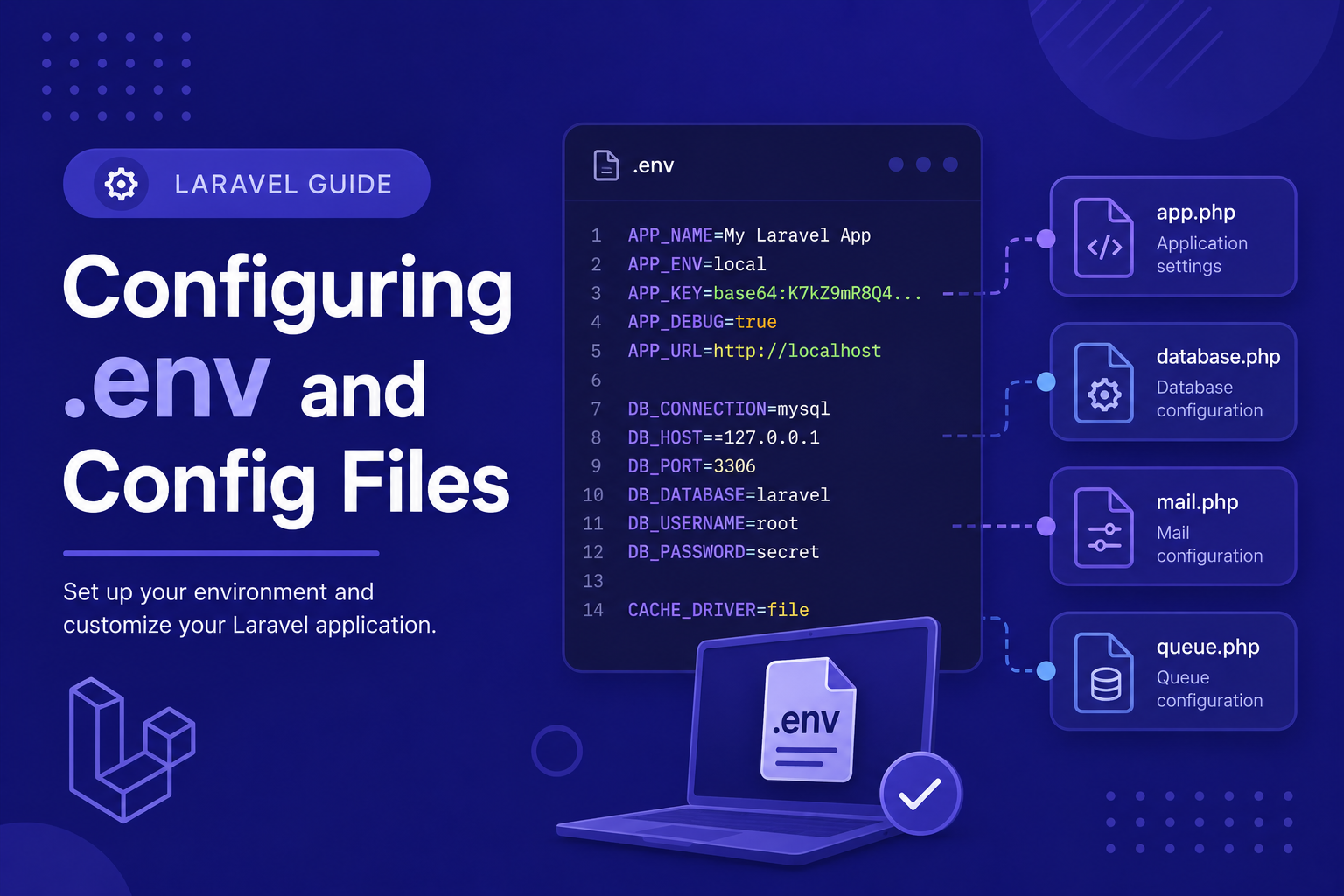
In this article, we'll break down how the .env file works, how it connects to Laravel's config/ files, and best practices for managing environment-specific settings securely.
506 views
Introduction
Every Laravel application needs to know things like which database to connect to, what mail server to use, and whether it's running in development or production mode. Rather than hard-coding these details directly into your code, Laravel uses a clean separation between environment variables and configuration files, making it easy to adjust settings without touching your actual codebase.
This system is especially useful when you're working across different environments — your local machine, a staging server, and a live production server — each of which typically needs different database credentials, API keys, or debug settings. Laravel's .env file makes switching between these environments simple and safe.
In this article, we'll break down how the .env file works, how it connects to Laravel's config/ files, and best practices for managing environment-specific settings securely.
What is the .env File?
The .env file sits in your project's root directory and stores key-value pairs representing environment-specific settings. When you first install Laravel, a .env.example file is included as a template, and Laravel automatically generates a .env file from it during installation.
A typical .env file looks something like this:
APP_NAME=Laravel
APP_ENV=local
APP_KEY=base64:randomlygeneratedkey==
APP_DEBUG=true
APP_URL=http://localhost

DB_CONNECTION=mysql
DB_HOST=127.0.0.1
DB_PORT=3306
DB_DATABASE=my_database
DB_USERNAME=root
DB_PASSWORD=
Each of these values can be accessed throughout your application using the env() helper function, though in practice, Laravel encourages you to access them indirectly through config files instead (more on that below).
Important: Never Commit .env to Version Control
Since .env often contains sensitive information like database passwords and API keys, it should never be committed to Git or shared publicly. Laravel's default .gitignore file already excludes it, but it's worth double-checking this, especially if you're setting up a new repository. Instead, share the .env.example file (without real credentials) so other developers know which variables need to be set.
How Config Files Work
Inside the config/ folder, you'll find PHP files like config/app.php, config/database.php, and config/mail.php. These files define your application's actual configuration values, and most of them reference .env variables using the env() helper.
For example, inside config/database.php, you'll typically see something like:
php
'mysql' => [
    'driver' => 'mysql',
    'host' => env('DB_HOST', '127.0.0.1'),
    'port' => env('DB_PORT', '3306'),
    'database' => env('DB_DATABASE', 'forge'),
    'username' => env('DB_USERNAME', 'forge'),
    'password' => env('DB_PASSWORD', ''),
],
Notice the second argument in each env() call — that's a fallback default value used if the corresponding .env variable isn't set.
Why Not Just Use env() Directly in Your Code?
While it's technically possible to call env('DB_HOST') anywhere in your application, Laravel strongly recommends against this outside of config files. The reason is caching: when you run php artisan config:cache (typically done in production), Laravel combines all config files into a single cached file and stops reading the .env file entirely for performance reasons. If you call env() directly in your application code, it will return null once caching is enabled, potentially breaking your app.
The safer pattern is to always access configuration through the config() helper instead:
php
$dbHost = config('database.connections.mysql.host');This works reliably whether or not config caching is enabled, since it reads from the config files (or the cached version of them) rather than directly from .env.
Tips for Managing Environment Configuration
Always start from
.env.examplewhen setting up a new environment, and fill in the actual values for that specific server.Use
config()instead ofenv()anywhere in your application code outside of theconfig/files themselves.Set
APP_DEBUG=falsein production to avoid exposing sensitive error details to end users.Generate a fresh
APP_KEYfor each new project usingphp artisan key:generate— never reuse keys across projects.Clear cached config after changes in production using
php artisan config:clearor regenerate it withphp artisan config:cache.Keep separate
.envfiles per environment (local, staging, production) rather than trying to reuse one file everywhere.
FAQ About .env and Config Files
1. What happens if I forget to set up my .env file? Laravel will likely throw errors related to missing configuration, such as database connection failures, since many default values depend on variables that should be defined there.
2. Can I add my own custom variables to .env? Yes. You can add any custom key-value pair, then reference it in a config file using env('YOUR_VARIABLE'), and access it elsewhere using config().
3. Why does my .env change not seem to take effect? If config caching is enabled (common in production), Laravel ignores .env changes until you run php artisan config:clear or php artisan config:cache again.
4. Is it safe to commit .env.example to version control? Yes, as long as it only contains placeholder values and no real credentials. It serves as a helpful template for other developers or future deployments.
5. What's the difference between APP_ENV and APP_DEBUG? APP_ENV indicates which environment the app is running in (like local, staging, or production), while APP_DEBUG controls whether detailed error messages are displayed. They're often related but configured independently.
6. How do I regenerate my APP_KEY if it's missing or lost? Run php artisan key:generate in your terminal. Keep in mind this will invalidate any existing encrypted data (like encrypted cookies or sessions) tied to the previous key.
7. Should I use the same database credentials for local development and production? No, these should always be different. Using production credentials locally is a security risk and can lead to accidental changes to live data.
Conclusion
The .env file and Laravel's config system work together to keep sensitive and environment-specific settings organized, secure, and easy to manage across different stages of development. Understanding this relationship — and consistently using config() instead of env() in your application code — will save you from confusing bugs down the road, especially once your app moves toward production.
In the next article, we'll go hands-on and run your Laravel application locally using php artisan serve, walking through common options and troubleshooting tips along the way.
Found this helpful? Share it!