
Configuring MySQL Database in Laravel
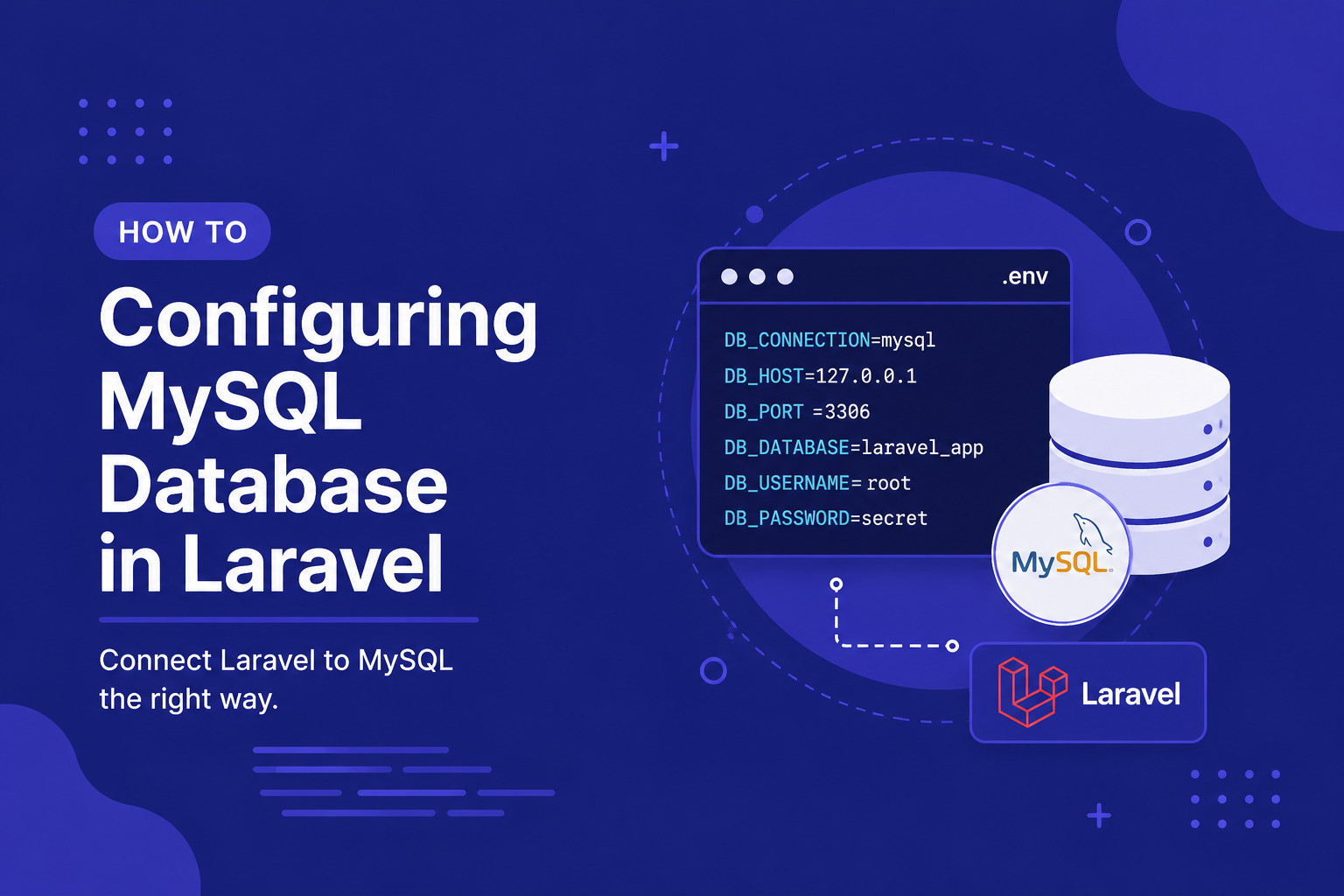
In this article, we'll walk through installing MySQL (if you haven't already), creating a database, configuring your .env file correctly, and troubleshooting the most common connection issues beginners run into.
335 views
Introduction
Nearly every real-world application needs somewhere to persist data — user accounts, blog posts, orders, comments, and more. Laravel doesn't lock you into any single database system, but MySQL remains one of the most popular choices among Laravel developers, thanks to its reliability, wide hosting support, and seamless integration with Laravel's tools out of the box.
Back in our earlier article on the .env file, we briefly touched on database configuration variables. Now it's time to go deeper and actually set up a working MySQL connection, from creating the database itself to verifying that Laravel can successfully talk to it.
In this article, we'll walk through installing MySQL (if you haven't already), creating a database, configuring your .env file correctly, and troubleshooting the most common connection issues beginners run into.
Installing MySQL
If you don't already have MySQL installed locally, here's how to get it running on the most common platforms:
On Windows: Tools like Laragon or XAMPP bundle MySQL alongside PHP, making setup much simpler for beginners.
On macOS: Using Homebrew:
brew install mysql
brew services start mysql
On Linux (Ubuntu/Debian):
sudo apt update
sudo apt install mysql-server
sudo systemctl start mysql
Once installed, you can verify MySQL is running by connecting to it via the command line:
mysql -u root -pCreating a Database
Before Laravel can connect to anything, you need an actual database created inside MySQL. You can do this through the MySQL command line, or through a GUI tool like phpMyAdmin, TablePlus, or MySQL Workbench.
Using the command line:
sql
CREATE DATABASE my_laravel_app;It's also good practice to create a dedicated MySQL user for your application, rather than always using the root account:
sql
CREATE USER 'laravel_user'@'localhost' IDENTIFIED BY 'your_password';
GRANT ALL PRIVILEGES ON my_laravel_app.* TO 'laravel_user'@'localhost';
FLUSH PRIVILEGES;
Configuring Laravel's .env File
As covered in our earlier article on environment configuration, database credentials belong in your .env file, not hard-coded anywhere in your application. Open .env and update the following values to match your setup:
DB_CONNECTION=mysql
DB_HOST=127.0.0.1
DB_PORT=3306
DB_DATABASE=my_laravel_app
DB_USERNAME=laravel_user
DB_PASSWORD=your_passwordDB_CONNECTIONtells Laravel which database driver to use (mysql,pgsql,sqlite, etc.).DB_HOSTis typically127.0.0.1for local development.DB_PORTdefaults to3306for MySQL.DB_DATABASE,DB_USERNAME, andDB_PASSWORDshould match what you created earlier.
Understanding config/database.php
Behind the scenes, these .env values feed into config/database.php, which defines the actual connection configuration Laravel uses:
php
'mysql' => [
    'driver' => 'mysql',
    'host' => env('DB_HOST', '127.0.0.1'),
    'port' => env('DB_PORT', '3306'),
    'database' => env('DB_DATABASE', 'forge'),
    'username' => env('DB_USERNAME', 'forge'),
    'password' => env('DB_PASSWORD', ''),
    'charset' => 'utf8mb4',
    'collation' => 'utf8mb4_unicode_ci',
    // ...
],
As covered in our earlier article on .env and config files, you generally don't need to edit this file directly — updating .env is enough for most use cases, unless you need to add an entirely new connection or adjust advanced settings.
Verifying the Connection
Once your .env file is configured, you can test the connection in a few different ways.
Using Artisan's database command:
php artisan db:showThis displays details about your configured connection if it's successful.
Using Tinker:
php artisan tinkerphp
DB::connection()->getPdo();If this runs without throwing an error, your connection is working correctly.
Running a migration: The most practical test is simply running Laravel's default migrations (covered in depth in the next article):
php artisan migrateIf this completes successfully, your database connection and credentials are all set up correctly.
Tips for Configuring MySQL with Laravel
Create a dedicated database user for each application instead of reusing
root, both for security and easier permission management.Double-check your
.envvalues carefully — a mistyped password or database name is the most common cause of connection failures.Use
utf8mb4charset and collation (Laravel's default), which properly supports emojis and a wider range of Unicode characters compared to olderutf8settings.Restart your local server after changing
.envif you're running config caching, or runphp artisan config:clearto make sure updated values are picked up.Keep separate databases for local development, testing, and production, never pointing your local environment at a live production database.
FAQ About MySQL Configuration in Laravel
1. Why am I getting a "SQLSTATE[HY000] [1045] Access denied" error? This almost always means the username or password in your .env file doesn't match what MySQL actually expects. Double-check both values, and confirm the user has proper privileges on the target database.
2. Do I need to create the database manually, or does Laravel do it automatically? You need to create the database itself manually (via command line or a GUI tool) before running migrations. Laravel manages the tables inside that database, but not the database's initial creation.
3. Can I use a database name, username, or password with special characters? Yes, but be cautious with certain special characters in .env values, as they may need to be wrapped in quotes to be parsed correctly.
4. What's the difference between DB_HOST=127.0.0.1 and DB_HOST=localhost? In most cases, they behave the same, but on some systems, localhost triggers a different connection method (Unix socket) compared to 127.0.0.1 (TCP/IP), which can occasionally cause unexpected connection issues. If one doesn't work, try the other.
5. Can Laravel connect to a remote MySQL database instead of a local one? Yes, simply update DB_HOST to the remote server's address (and ensure the port and firewall rules allow the connection), though for security, this is typically only done for staging or production environments, not local development.
6. Is MySQL the only database Laravel supports? No. Laravel also supports PostgreSQL, SQLite, and SQL Server out of the box, with the same .env-based configuration approach, just using a different DB_CONNECTION value and corresponding settings.
Conclusion
Getting your MySQL connection properly configured is a foundational step that everything else in this category builds on — migrations, seeders, and Eloquent all depend on Laravel being able to talk to your database successfully. With your .env file set up and your connection verified, you're ready to start actually defining your database structure in code.
In the next article, we'll dive into migrations, showing you how to create and manage your database's table structures directly through Laravel, without needing to write raw SQL or manually manage schema changes through a GUI tool.
Found this helpful? Share it!